 Cube Smash

Cube Smash Walkthrough
Choose a color. Reveal the next layer.
Independent fan-made guides. Not affiliated with the game developer.
Browse levels
Recently updated
Game screens from Cube Smash


About the game
Cube Smash - Puzzle Game is a 3D color-matching puzzle by Combo Games for iPhone and iPad. Clear the creation by choosing useful colors in sequence.
Compare the visible model colors, the working row and the available pieces before following a video.
Browse 348 numbered walkthroughs, or use the general guides to plan the next color transition.
- Publisher
- Combo Games
- Platform
- iPhone, iPad
- Guide coverage
- 348 levels
- Last updated
- Game store
- App Store

Cube Smash - Puzzle Game is about choosing colors that can clear the visible surface of a 3D model. Start with the exposed cubes, check the available pieces below, and leave room for the next useful color. Find your level here, then compare the opening model before following its video.
A model that changes as you clear it
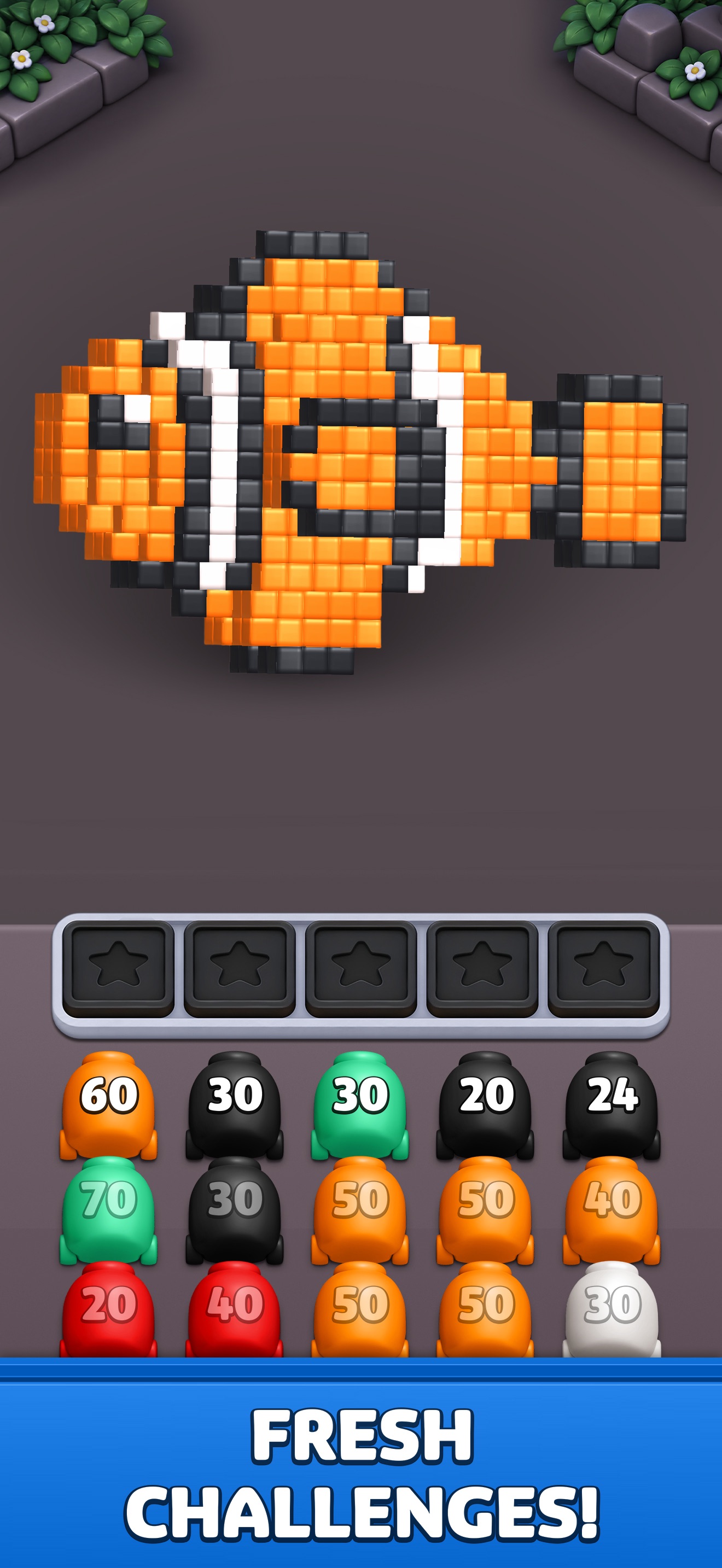
Combo Games presents Cube Smash as a color-matching puzzle for iPhone and iPad. The model is made from many small colored cubes, and removing part of it changes the surface you can see. A fish, a vehicle or a geometric creation is more than a picture to recognize: its layers determine which colors become useful next. Look at the visible boundary before committing to a choice. The best next color depends on the current state of the creation, not simply on how much of that color exists somewhere inside.
Find the recording for your starting board
Enter the number shown in your game, or use the groups of fifty levels to browse the directory. After opening a video, compare the model silhouette, the exposed colors and the available pieces at the bottom. Those details matter more than a familiar level number alone. A version update can change the arrangement or numbering. If the openings disagree, use the recording to study the kind of transition you recognize and solve the differences from your own board instead of copying each tap mechanically.
Read the surface before the queue
It is tempting to choose a prominent color in the queue because it matches a large area of the model. First check where that area is. Cubes hidden behind another layer may not be ready to clear. A less prominent color on the outside can be the useful opening because removing it reveals the larger group. Follow one visible patch through the next clearing animation. Then inspect the changed surface before selecting again. This makes the color order easier to understand than memorizing the shapes of every piece in the queue.
Keep the working row usable
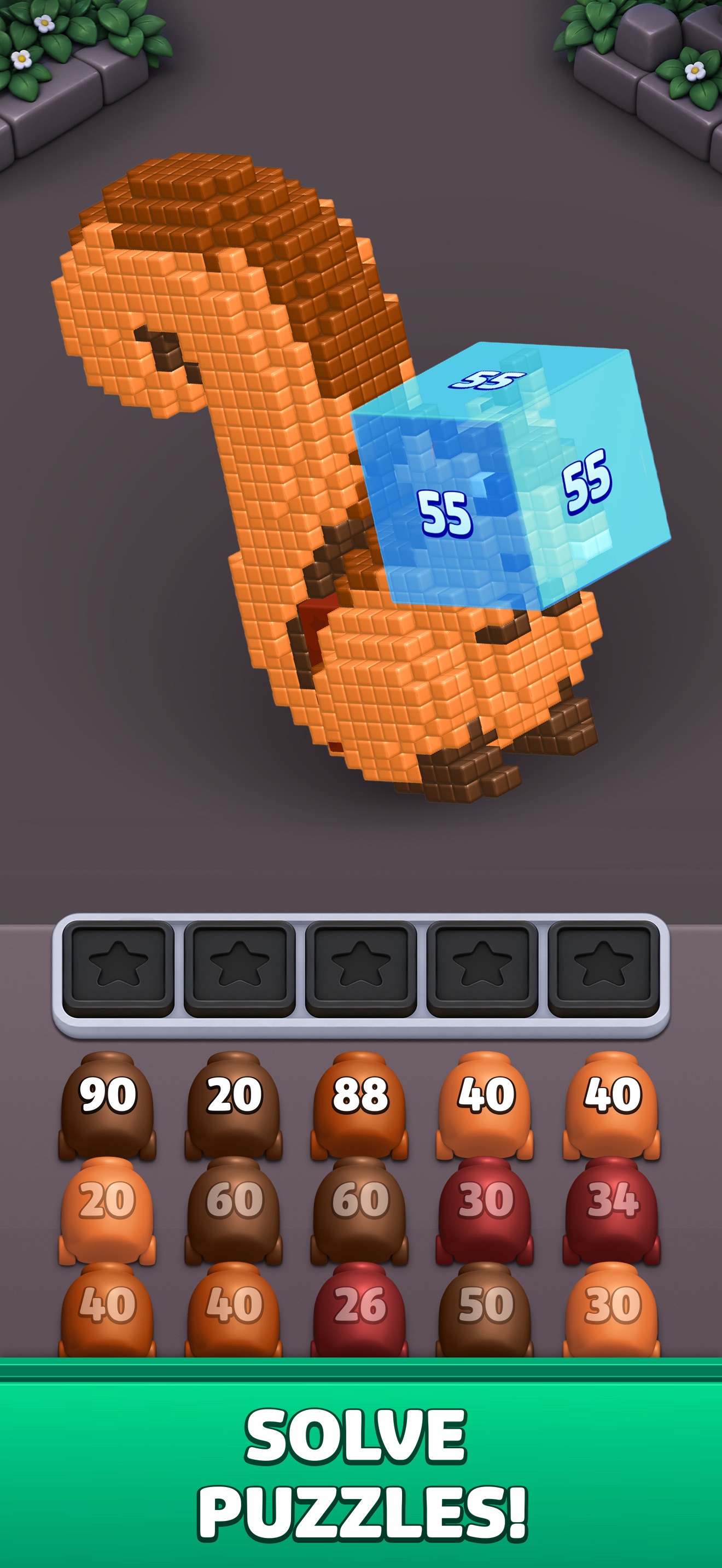
The game screens show a row of working positions above the colored pieces. Watch the occupied positions as well as the model. A piece waiting for its color to become accessible can limit the choices you make afterward. Before adding a color for later, identify the color that will expose its target and check that there will still be room for that choice. You do not need to reserve space for every future move at once; preserving a way to complete the next transition is a practical starting point.
A visible number needs a visible task
Numbered colored pieces provide another cue to follow during play. Check how a piece changes after a sequence rather than assuming that the largest number is automatically the strongest opening. A high number is less helpful if the matching surface is not available. A smaller piece can matter more when it clears the outer color that is hiding the next useful area. Compare the number, the target color and the working space together. None of these details alone explains the whole board.
Use the slower pace to make a better choice
The official description lists no time limits, so use that breathing room to read the next change. Let an animation finish, look at the newly exposed cubes and decide what the next selected color should accomplish. Fast repeated tapping can make it difficult to tell which action created the problem. A short sequence with a reason is easier to follow: clear this outer color, expose that patch, then choose the matching piece. Pause a walkthrough at those boundaries and return to the game with a clear purpose for the next tap.
Recognize the creation without trusting its outline alone
The official images include colorful models with distinctive silhouettes. Their shapes help you recognize a level, but the same-looking creation can be at very different stages of a solve. Check the remaining layers and the current pieces before treating a later video frame as a match. Near the end, a small patch left on one side can become more important than the original object’s outline. Look for those remaining cubes deliberately and compare what is still available to clear them.
Use tools and extra-position offers deliberately
Before using a tool or accepting an extra-position offer, read the effect, cost and confirmation shown in your installed version. Identify the obstruction you want to solve first. If the difficulty came from selecting a future color too early, reviewing the opening may show a better order. A walkthrough records one set of conditions and does not establish your inventory or the current price. These guides do not require an in-game purchase, and the site cannot grant currency, change progress or activate a tool inside the app.
Installation, offline play and help beyond one level
Use the App Store link and check Combo Games as the developer to avoid unrelated games with similar names. The game is free to download with purchases, and offline play is part of the official feature list. These videos still require a connection. If the app freezes, restart it and check for updates before doing anything that could remove progress. For repeated trouble with color order, read the how-to-play and tips pages. The features guide explains the visual elements, while the FAQ separates gameplay, installation and playback questions.
Frequently asked questions
What is Cube Smash - Puzzle Game?
Cube Smash is a 3D color-matching puzzle by Combo Games for iPhone and iPad. You remove matching cubes from a model until the creation is cleared. The important decision is the order of colors as the visible surface changes, rather than the speed of your taps.
What should I look at before choosing a color?
Compare the outer cubes with the available colored pieces below the model. Choose a color that can work on the current surface, and watch what becomes visible afterward. A color deeper inside the model may be useful later without being a useful first choice.
Why is a matching color not clearing the cubes I expected?
Check whether the matching cubes are on the accessible surface or sit behind another layer. Let the current animation finish and inspect the newly revealed area. A match somewhere inside the model does not necessarily make that color productive at the current moment.
What is the row above the colored pieces for?
The game screens show a working row between the model and the queue of colored pieces. Keep track of which positions are occupied before adding another color. Leaving room gives you more flexibility when the exposed layer changes and a different color becomes useful.
What do the numbers on colored pieces mean?
The pieces display different numbers. Compare the number shown before and after a clearing sequence to follow the remaining amount on that piece. Do not use a single screenshot to infer the total cubes in a level; the model and the other pieces also change during play.
Is there a time limit?
The official App Store description lists no time limits. You can study the model and plan a color sequence at your own pace. That is separate from managing the occupied working positions: a quiet moment to think does not create extra space for another selected piece.
How can I avoid filling the working row too early?
Choose colors with a visible job on the current surface and wait for the result before adding more. Before selecting a color that will only help later, check whether you will still have room for the color that exposes it. Planning one transition ahead can preserve useful space.
Is Cube Smash free?
The App Store offers a free download with in-app purchases and an advertising disclosure. Check the current store and purchase screen for the terms in your region. You can read these guides and view the embedded walkthroughs without buying an item inside the game.